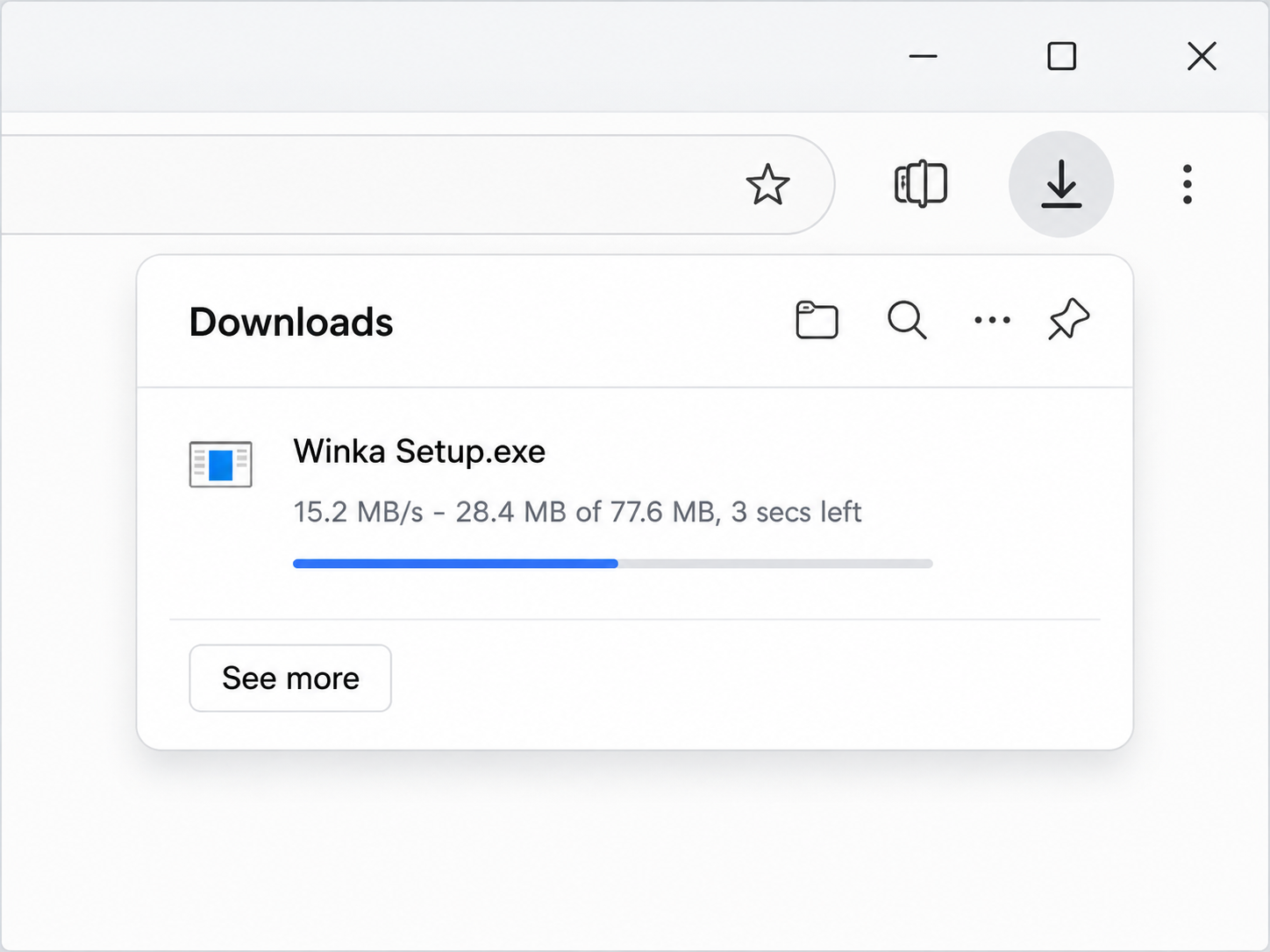
Open
Open the downloaded installer from your browser’s downloads.
Winka for Windows is downloading now. Follow these three steps to get started.
Download didn’t start? Try again.Open the downloaded installer from your browser’s downloads.
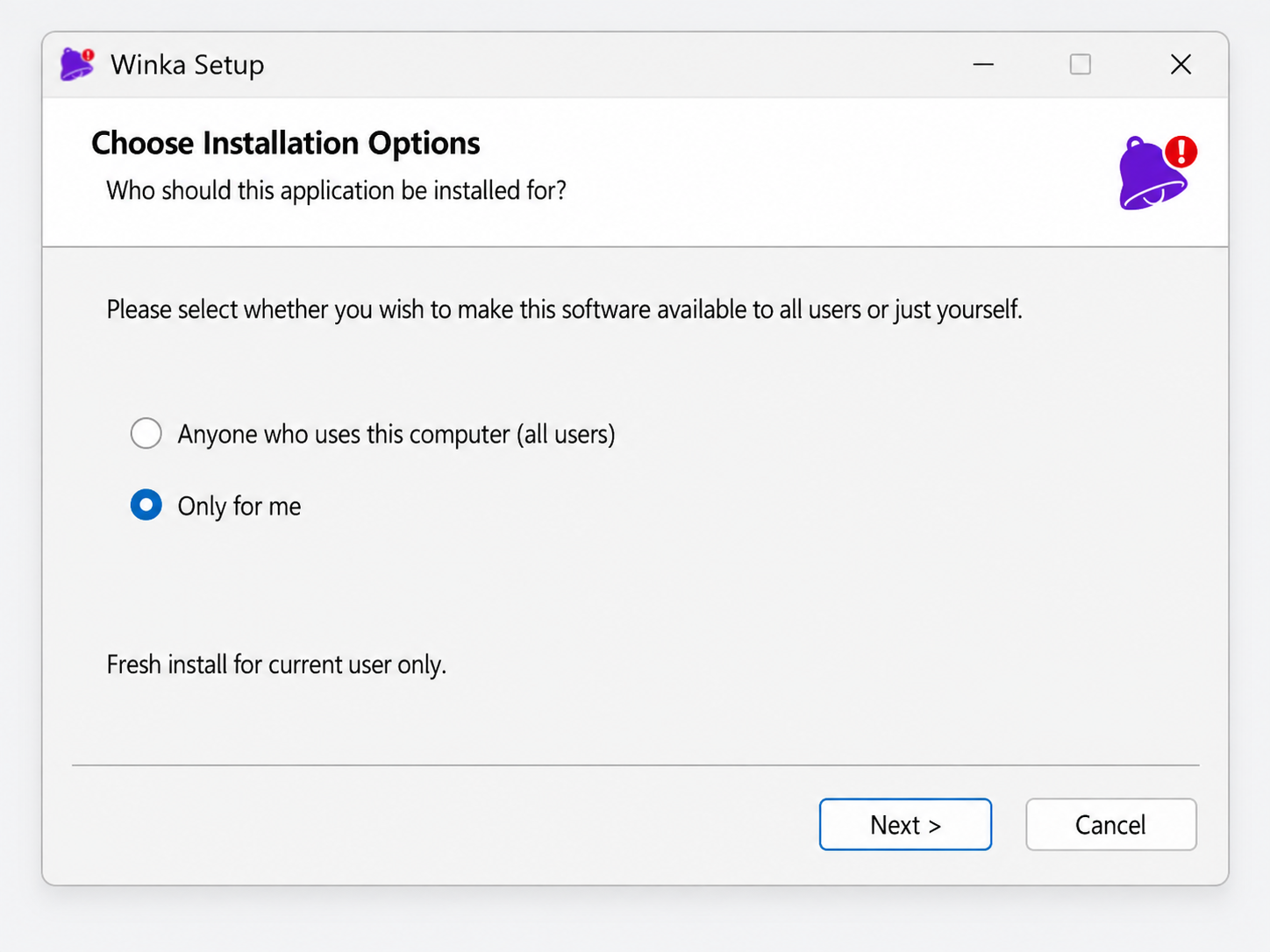
Follow the setup steps to install Winka on your computer.
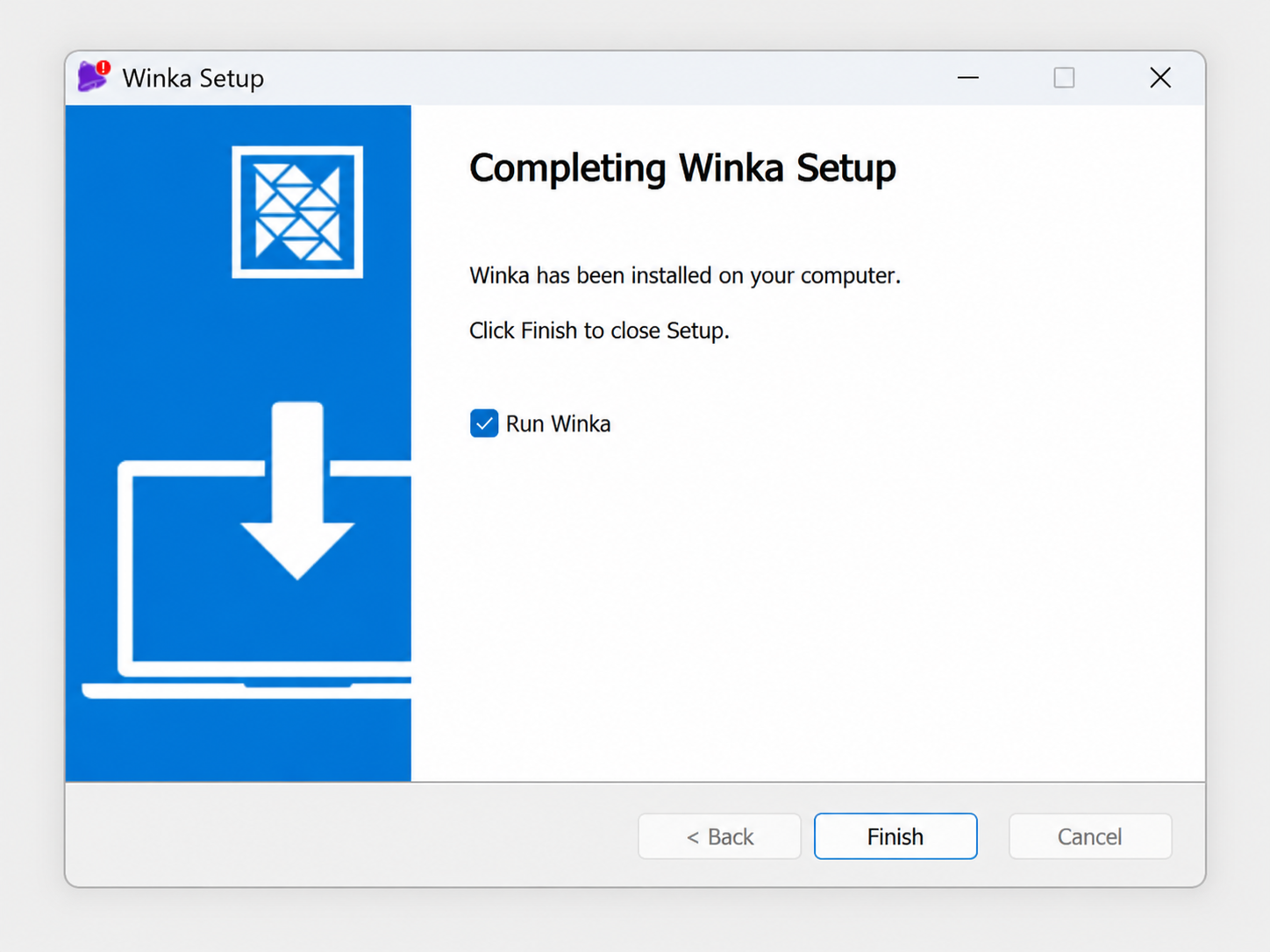
Click Finish to open Winka and get started.